User Guide
Learn how to use our website with this easy-to-follow guide.
Browsing Products
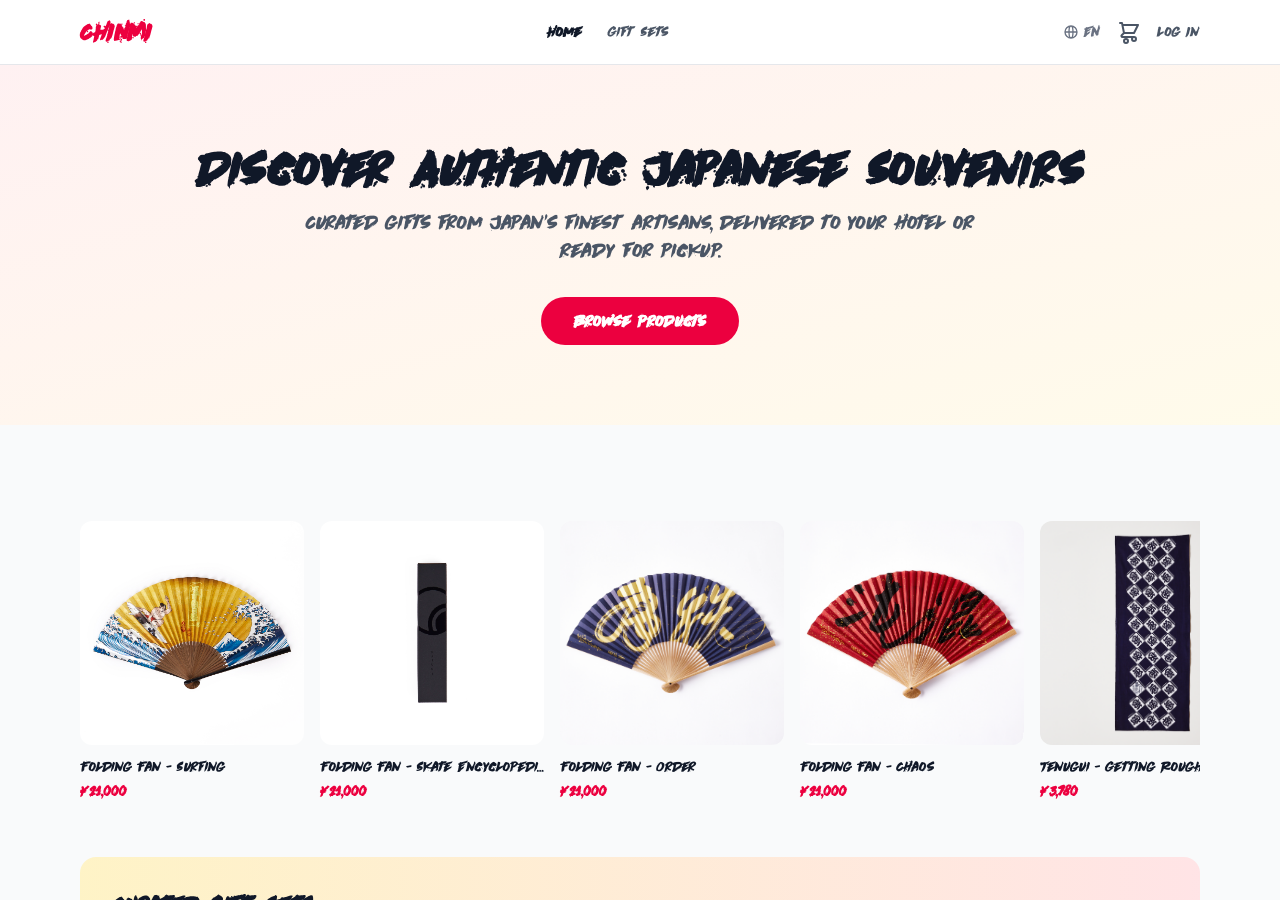
All products are displayed on the top page. Click on a product card to view its details, including photos, price, description, and reviews.
Adding to Cart
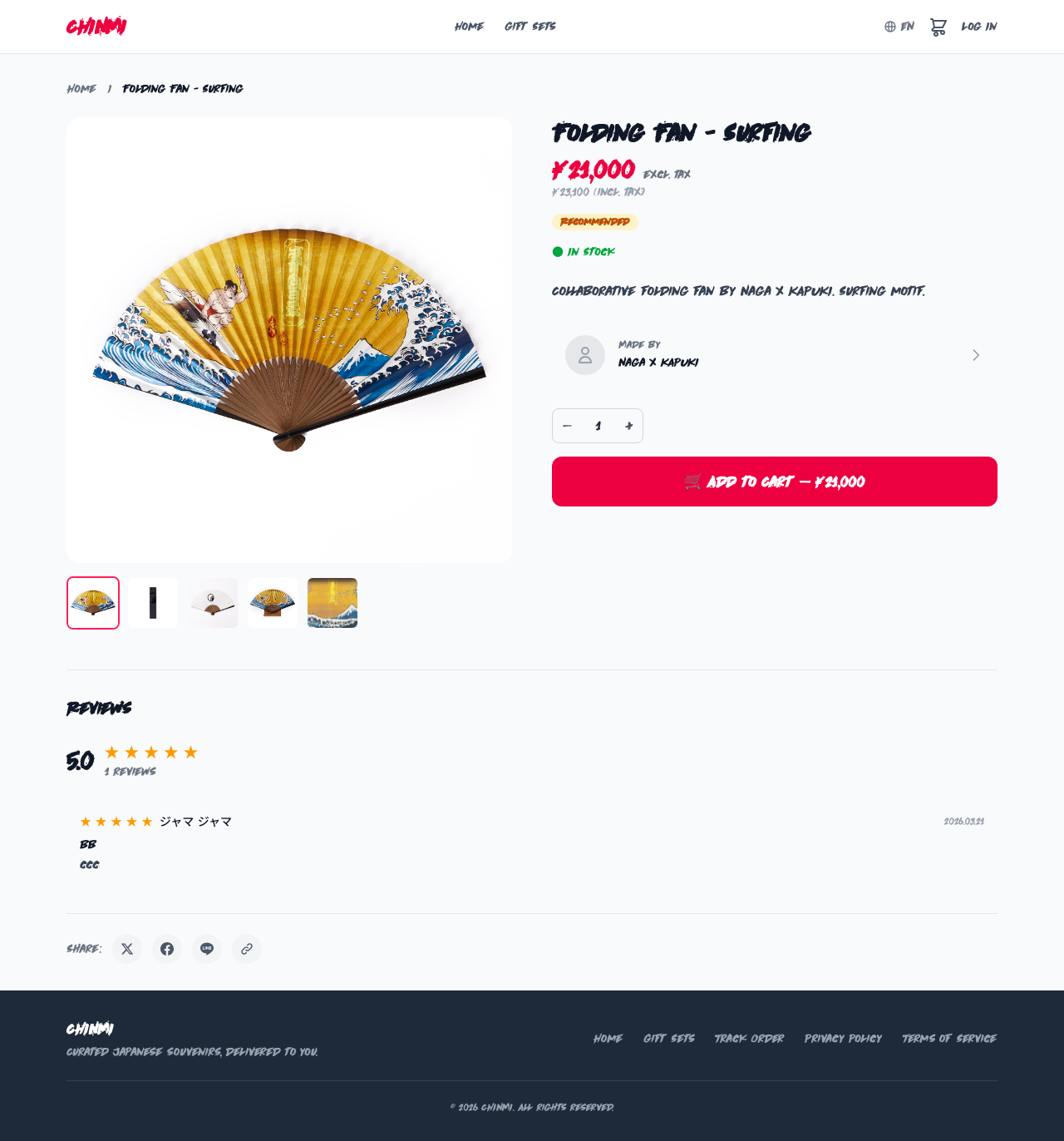
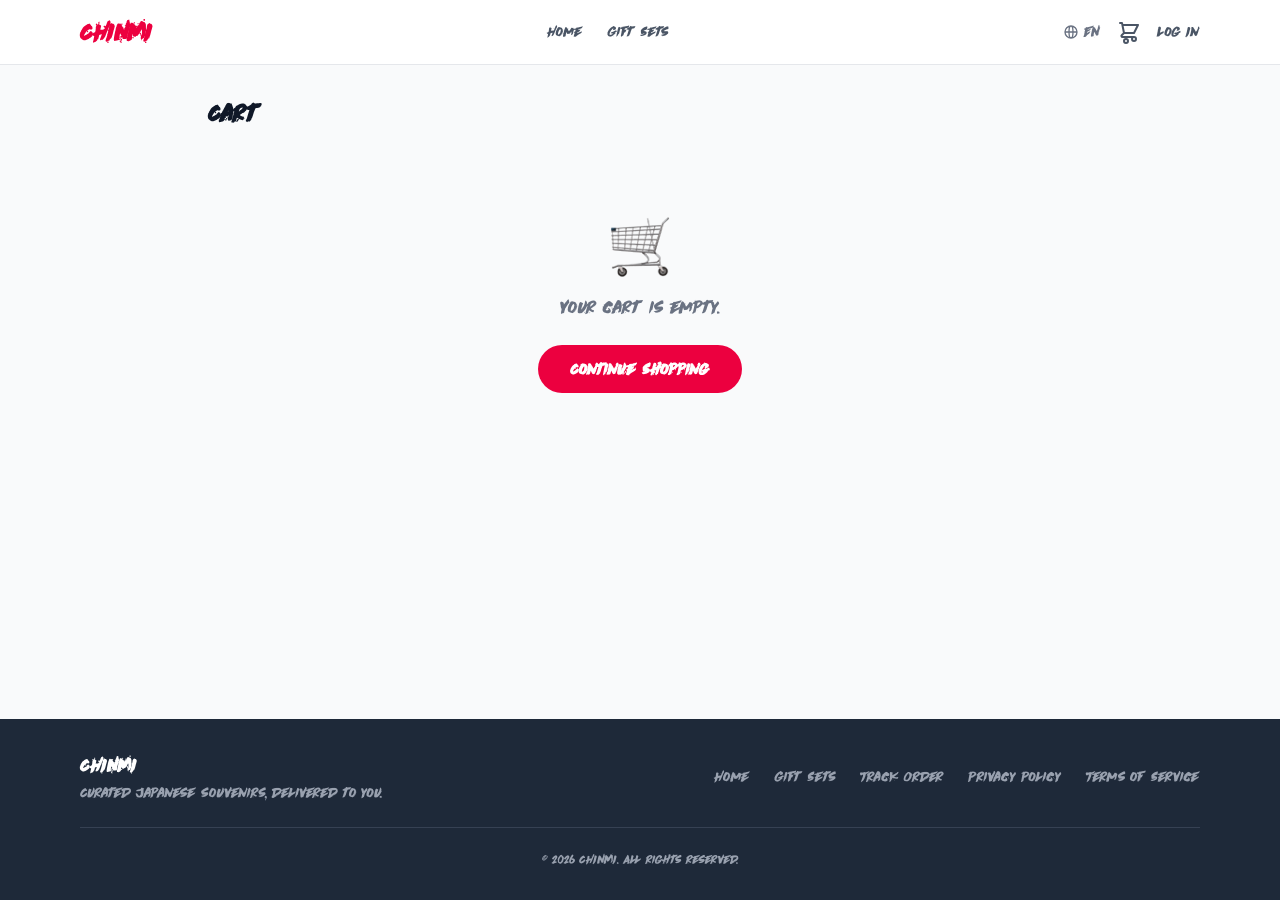
Click the "Add to Cart" button on the product detail page to add an item to your cart. The cart icon in the header shows the number of items. You can change quantities or remove items on the cart page.
Purchasing Gift Sets
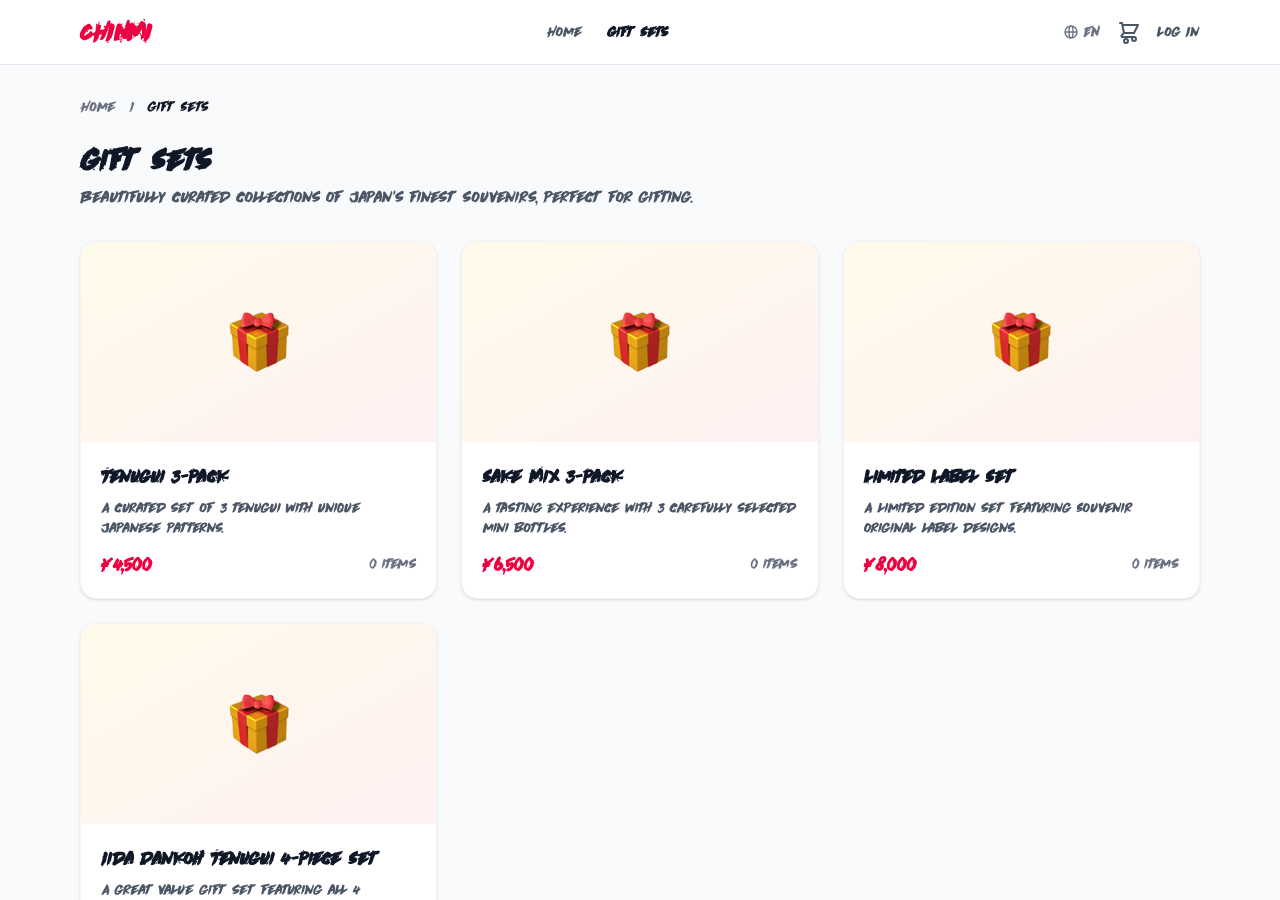
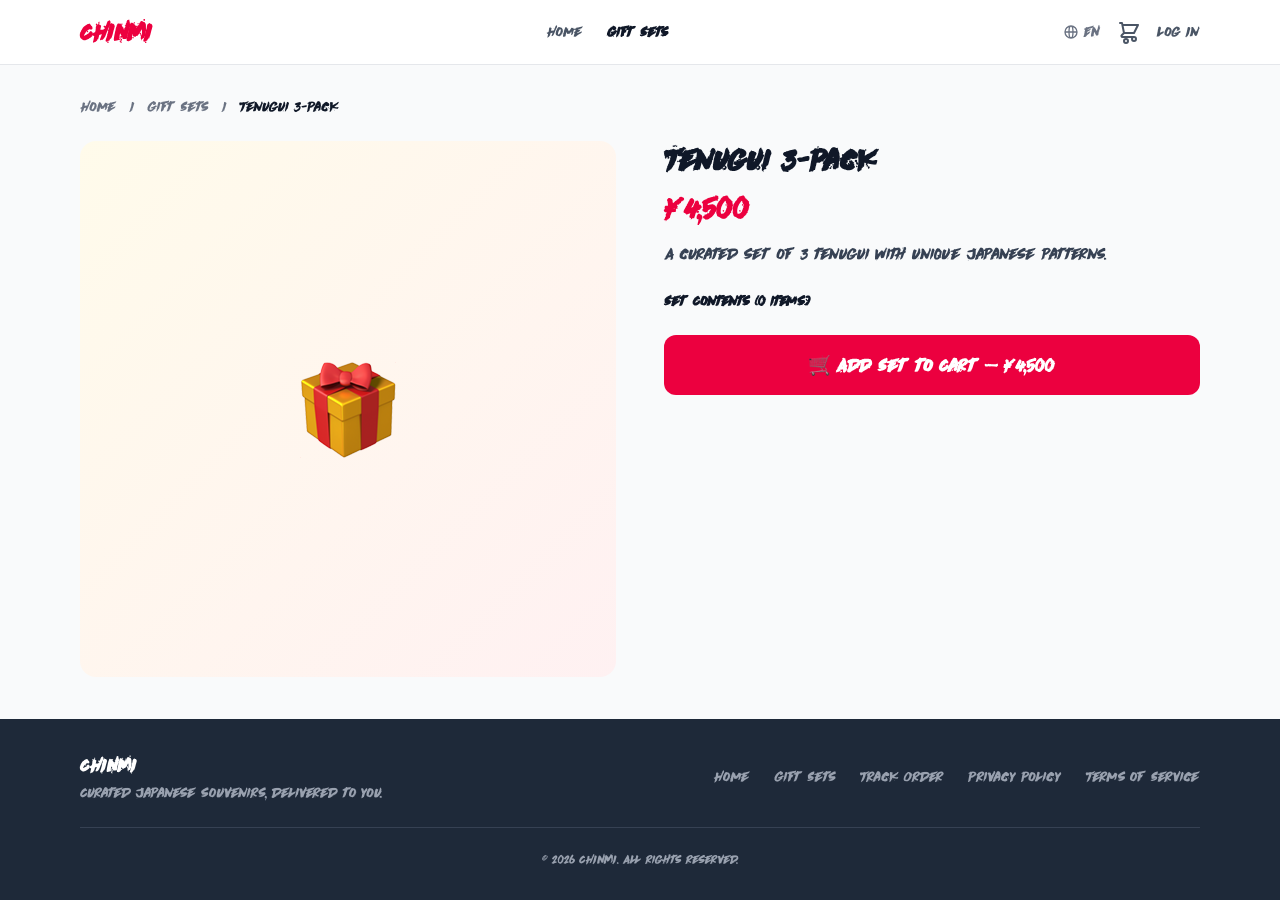
Browse gift sets from the "Gift Sets" link in the navigation. View the set details and click "Add to Cart" to add the entire set to your cart.
Checkout & Payment
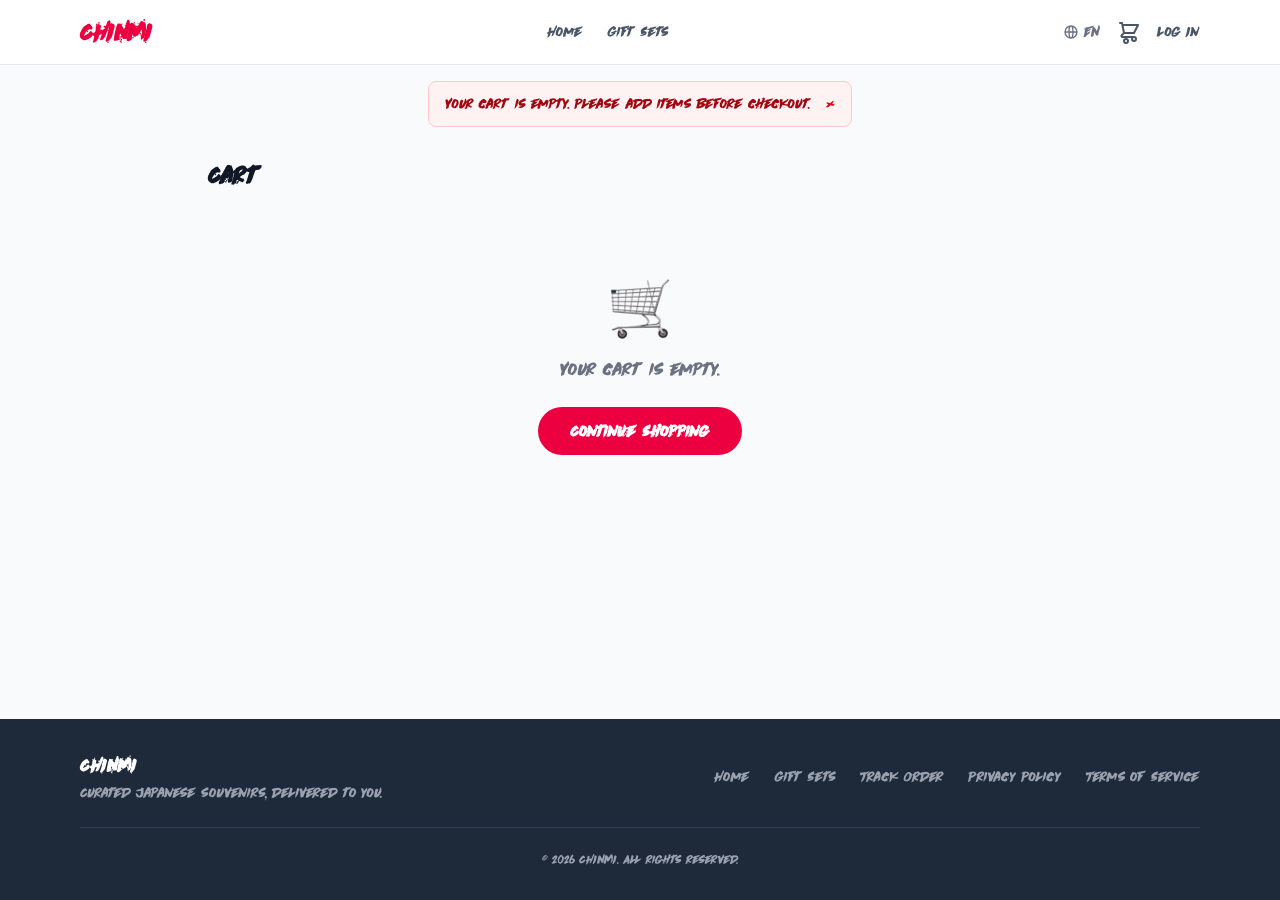
Proceed to payment from the "Checkout" button on the cart page. Enter your shipping address and pay with a credit card (via Stripe). A confirmation email will be sent after your order is placed.
Cancelling an Order
You can cancel an order from the order detail page in My Page, but only before shipping preparation begins. Cancellations after shipping preparation are not accepted.
Writing a Review
You can post a review from the product detail page of items you have purchased (login required). Share your experience with a star rating and comment to help other customers.
Account Management
Access My Page from the user icon in the header. You can view order history, manage shipping addresses, and update account settings.
Order Tracking
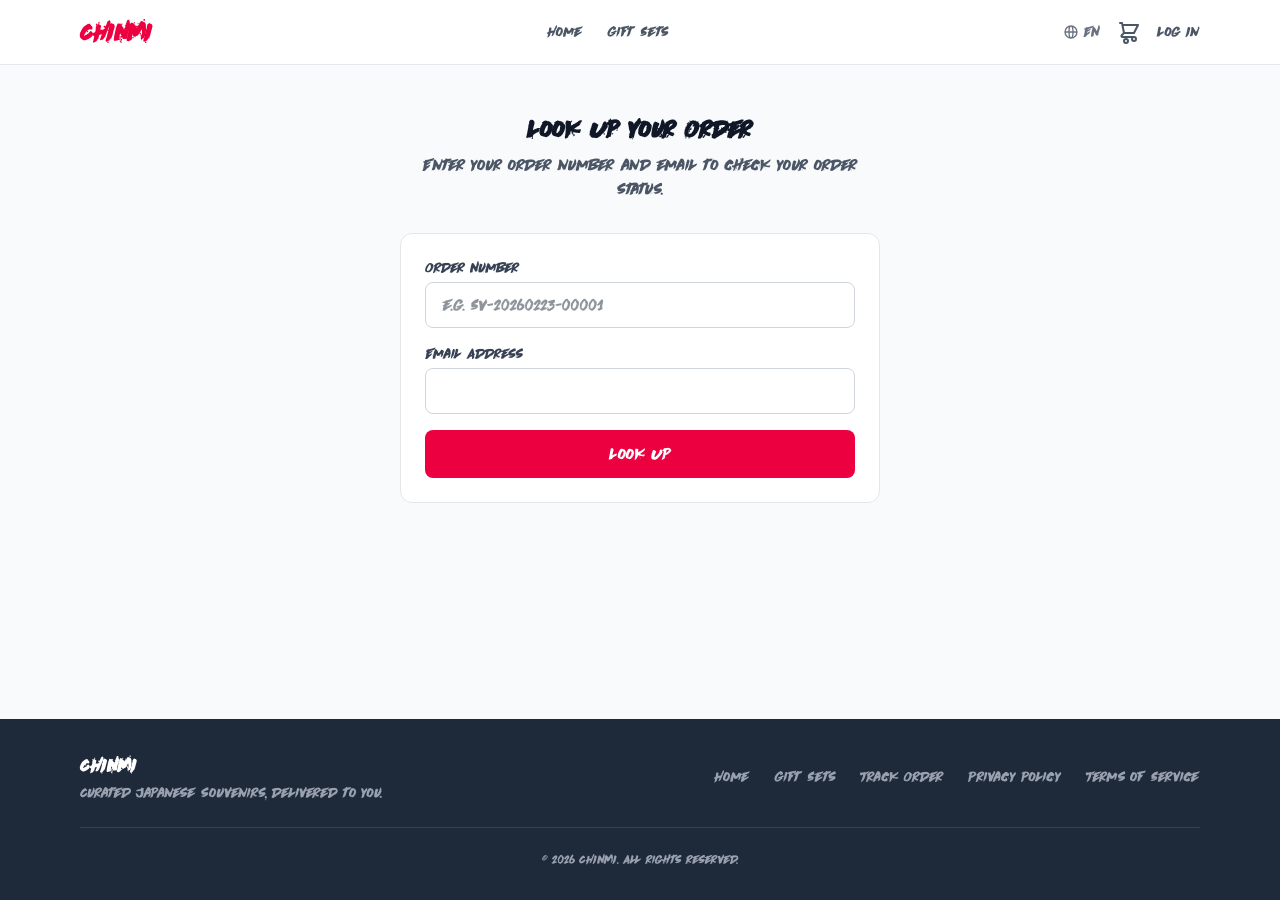
Enter your order number on the "Track Order" page to check delivery status. If logged in, you can also check from My Page.
Frequently Asked Questions: Frequently Asked Questions